Contact Creation & Preview Settings
When creating a New Contact in Membrain, the default information asked for are the Name of the Contact and the Company they work for. However, you can tailor these requirements to better align with your specific needs.
Contact Creation Settings
- Go to System Setup, Scroll down to the CRM tab, and click on Contact Creation & Preview Settings.
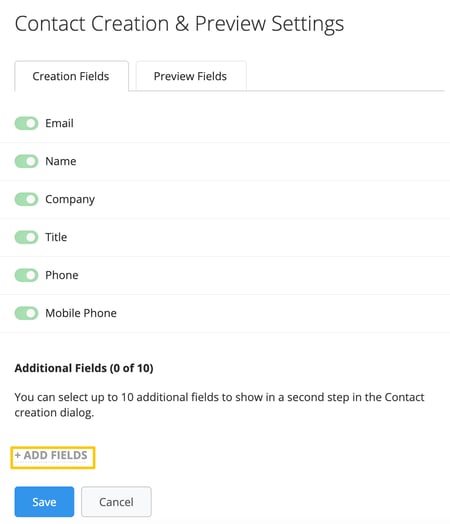
- In the Creation Fields tab, click on +ADD FIELDS to incorporate more fields to your Contact creation dialog.
- If desired, certain fields can be set as mandatory, ensuring they're filled out every time a new Contact is manually created in Membrain.
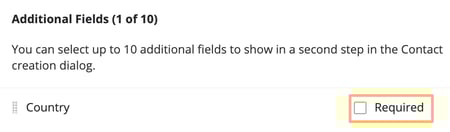
Note. Fields that are set to be mandatory are marked with (*), and a Contact cannot be created without these being filled out, so use this feature judiciously.
Contact Preview Settings
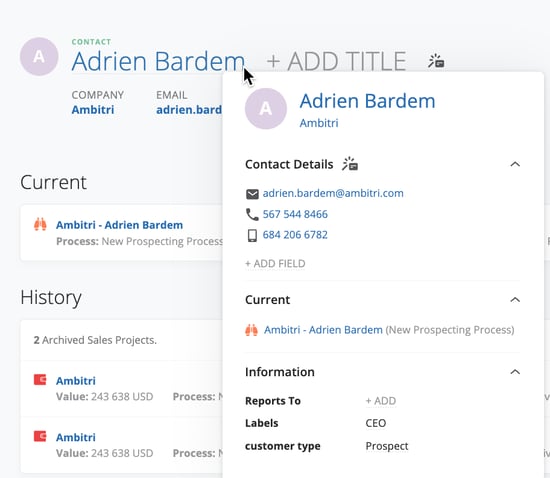
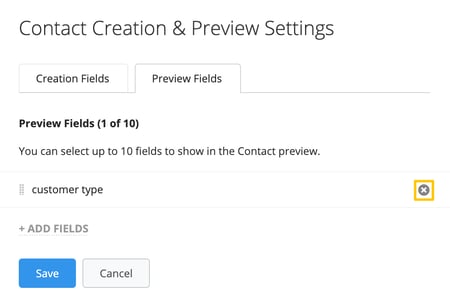
- In the Preview Fields tab, you can select up to 10 Contact Standard and/or Custom Fields to be displayed in the preview hover of a Contact.
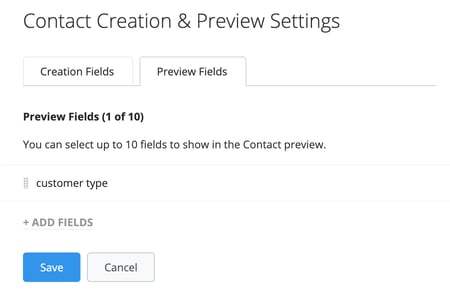
- The order of the chosen Fields in the Preview Settings can be rearranged by dragging the
 symbol to the left of the field up or down.
- You also have the option to remove selected Fields in the Preview Settings dialogue by pressing the "x" button at the right hand side of the field.
- When you hover over a Contact from any place in Membrain, the chosen preview fields will be displayed the way you have set it up.