Popular Content
Membrain for:
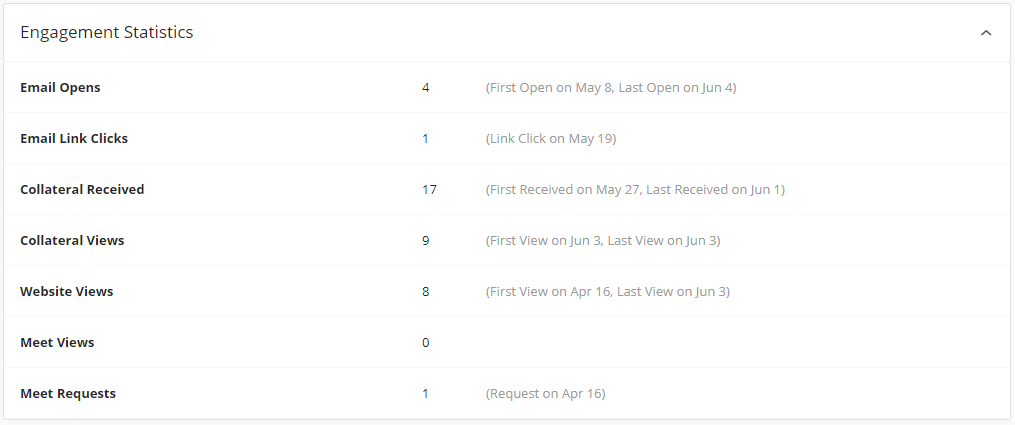
Understanding your customers' interests and how they engage with you, the content you share, and your website gives you the insights needed to build long-lasting, successful relationships.
The Beacon is an extension of some of the engagement features which have been introduced to the CRM area of Membrain. When The Beacon is enabled (by adding a tracking code to your website) you can get even more insights than before, including things like website visit information, as well as the ability to automatically create new Prospects in Membrain.
The documentation for the installation is found in this article The Beacon - Documentation.
Membrain Beacon is set up by simply adding a tracking code (generated automatically in your Membrain Account) to your website. This then notifies Membrain when somebody visits your website, which pages they're viewing and when etc.
The person who visits your webpage must be "identified" to Membrain previously and exist in your CRM database before the information can be shown. This happens in any of the following ways:
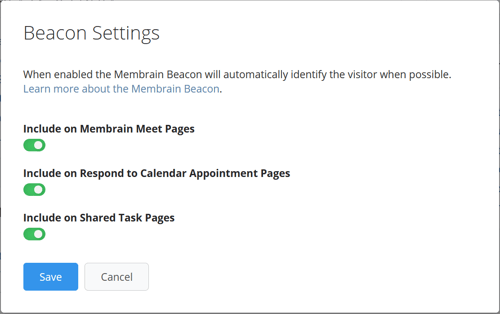
In order for the identification of a contact to happen, please ensure Beacon tracking is enabled in System Setup > Privacy & Security > Beacon Settings.
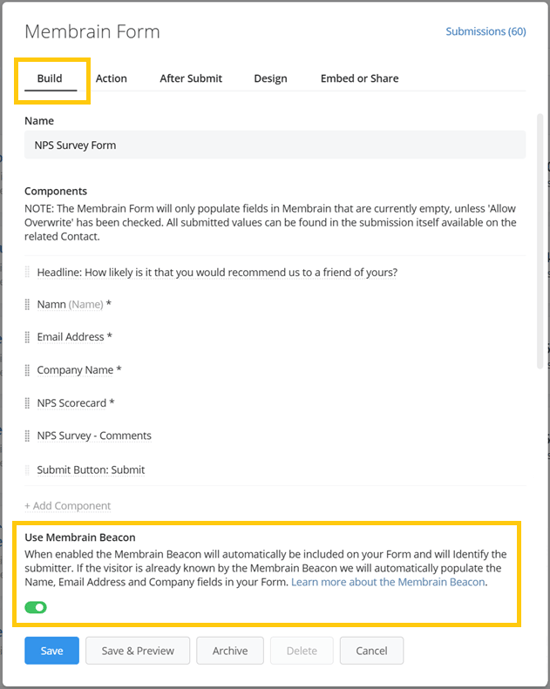
Additionally, the Beacon is able to identify contacts, when enabled on a Membrain form level. If the visitor is already known by the Membrain Beacon, it will automatically populate the Name, Email Address, and Company fields in your Membrain Form. If not, then the Beacon will save the visitor's details after he/she submits the form, and will use that for future identification.
This feature simplifies the process of capturing lead information and enhances the accuracy of data collected. To enable it, navigate to System Setup > API, Forms, Beacon, Automations & Data Clean-Up, choose the Membrain Form of your liking, and in the Build tab turn on the Membrain Beacon toggle.
Membrain Beacon notifications will only be sent to you who own a Prospect, a Sales Project, or an Account Growth Project in which the specific website visitor has a Stakeholder role. Notifications are triggered and updated for every page the Stakeholder in any of the projects you own visits.
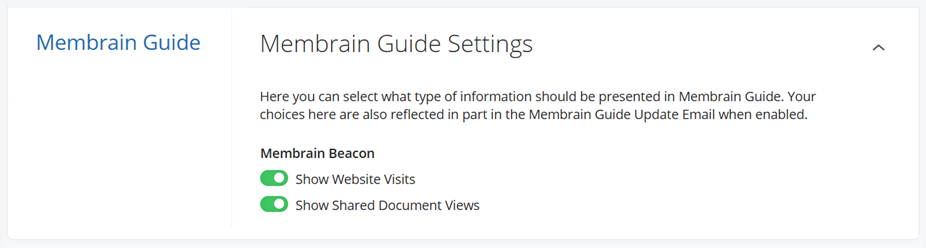
Membrain Beacon notifications are visible in the Membrain Guide board at the right-hand side of Membrain and in the Membrain Guide Update email, provided that you have previously enabled this from My Settings > Membrain Guide > Membrain Guide Settings as shown below.
1. Add a tracking code on your website to give you additional insights into Engagement Statistics. Powerful for any salesperson wishing to have that inside information on what makes your contacts tick.
AND
2. Use a form on your website which allows potential leads to register their interest in your product or services, and let a script automatically generate new Prospects in your preferred Prospecting Process in Membrain.
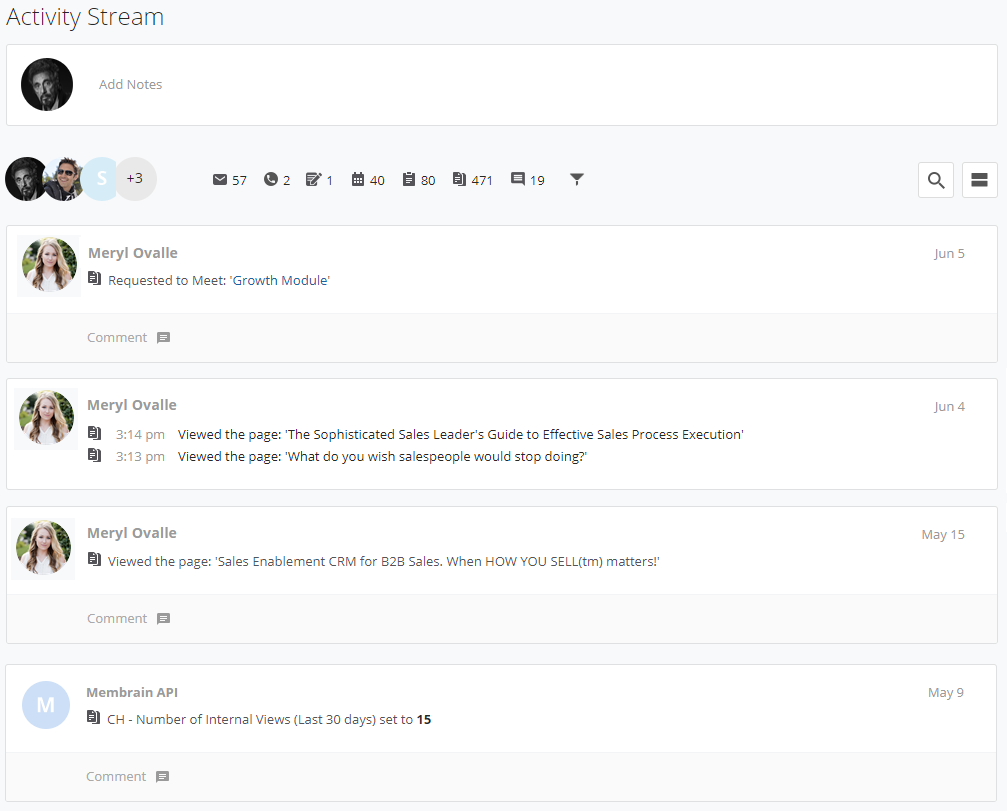
Knowing who is visiting your website is of course a great source of fresh new leads. With the Beacon, you can automatically create Prospects and have them populate a Prospecting Process in Membrain using a form on your website.
Once someone visits your website and chooses to complete a form (to access content/request a demo for example) Membrain takes their details (Name, Email address, and Company Name) and creates the Prospect. Any additional information added is captured as an activity in the Activity Stream of the newly created Prospect.

Here Membrain Beacon - Documentation you will find all the information needed to add The Beacon to your website, including the uniquely generated script to add to your website. It is strongly advised that you use a qualified professional e.g. a website developer to carry out this work for you.
The Beacon Demo is a tool to give you a better feel for how the Beacon may be deployed and used. We provide a simple demo HTML file that you can download and look at that covers all the basic actions supported by the Beacon, including a form that allows you to Identify a visitor with the Beacon.
To get started with the Membrain Beacon use the main script found in the referenced article below. Copy and paste the script as the first item into every webpage you want to track. The documentation for the Installation is found in this article The Beacon - Documentation.




