Popular Content
Membrain for:
Email Styles allow you to control how your emails appear when communicating with contacts from Membrain. By applying a style, you can ensure your emails follow your company’s branding and remain consistent across your team.
You can create Email Styles using either a visual design experience or by working directly with HTML/CSS. This gives you flexibility depending on your level of technical expertise and the level of customization you need.
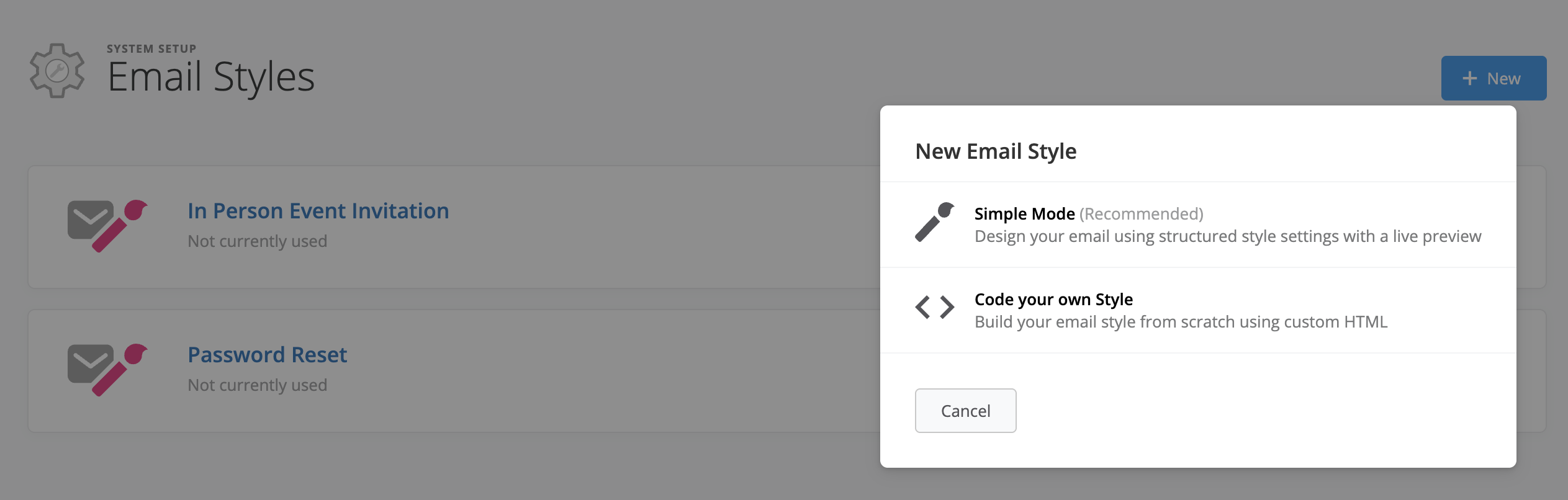
When creating a new Email Style, you can choose between two different approaches depending on your needs.
Simple Mode provides a guided, code-free experience where you design your email using settings and a live preview. This is ideal if you want to quickly create branded emails without working in HTML.
Advanced Mode is the the HTML-based option. This allows full control over styling using custom HTML and CSS code and is best suited for users with technical experience or access to design resources.
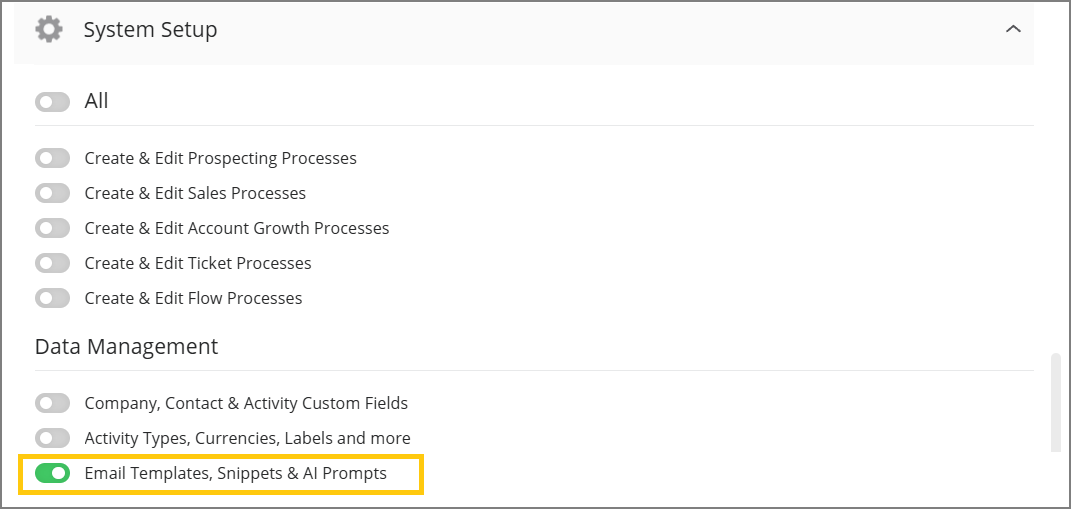
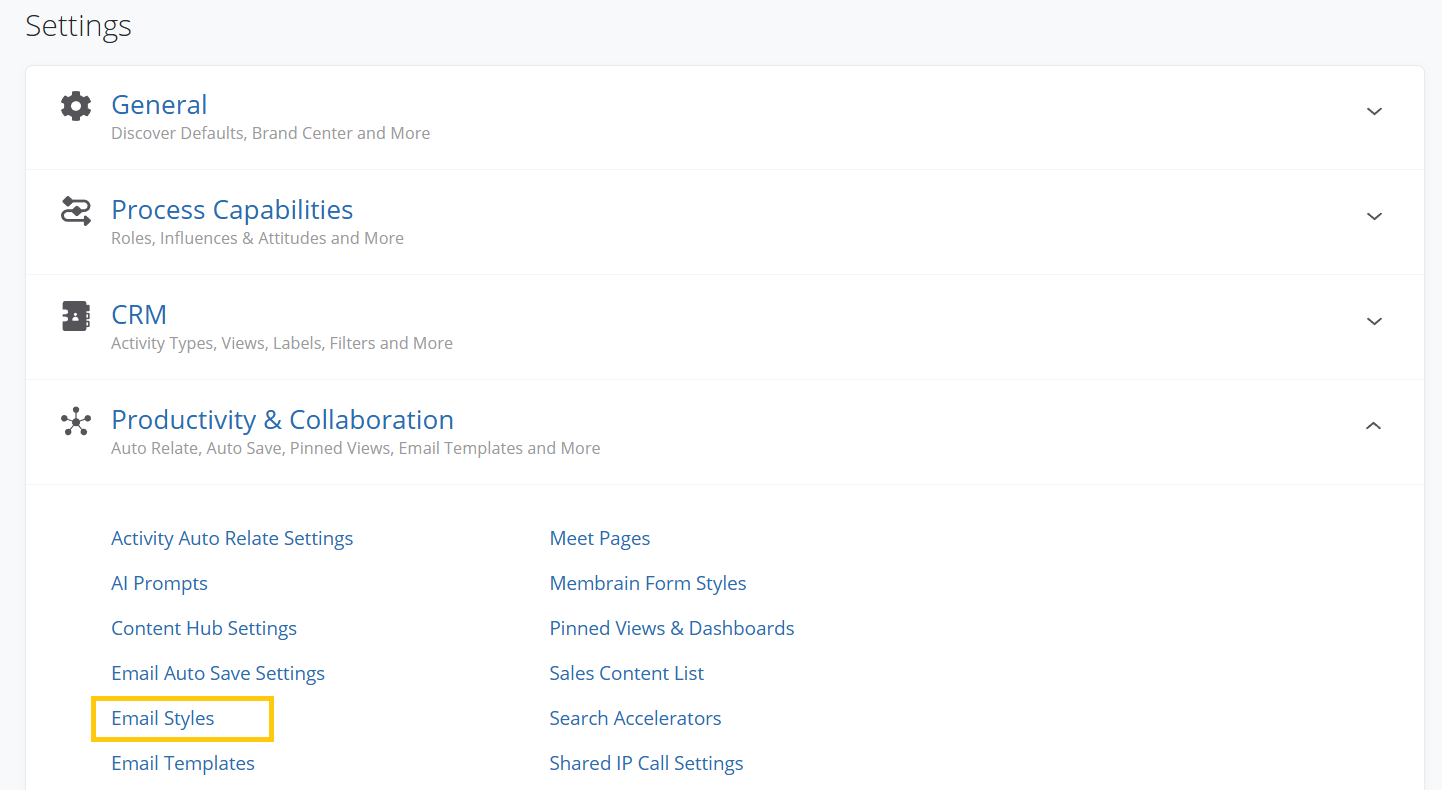
To create a new Email Style:
Simple Mode allows you to design your email using a settings panel alongside a live preview.
The editor is structured with design controls on the left and a real-time preview on the right. As you adjust settings, the preview updates to reflect your changes.
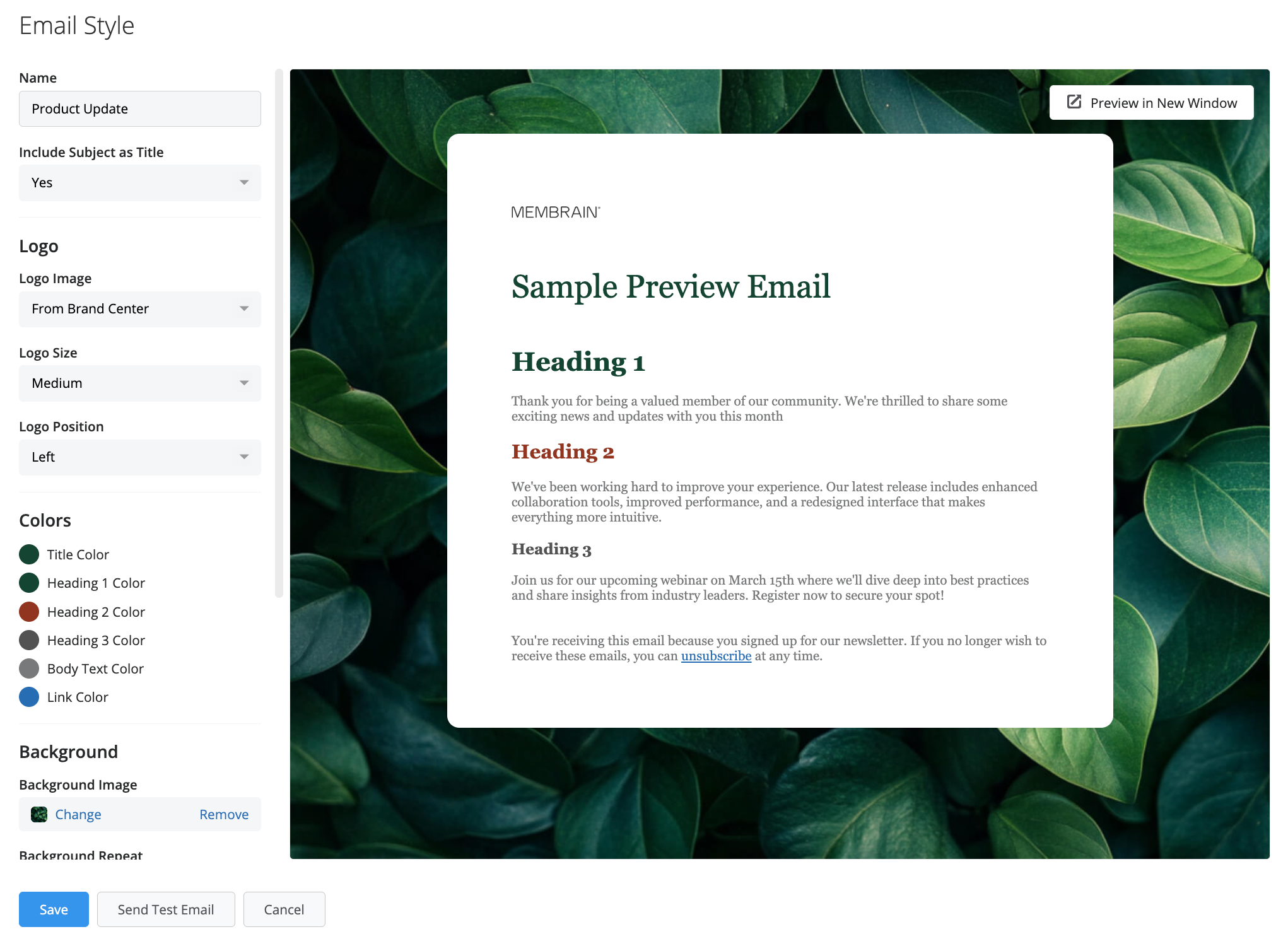
The layout and behavior of Simple Mode are similar to other Membrain tools, such as forms and quotes, making it familiar to work with.
If you want the email subject to appear as a visual title within the email body, you can enable that option as part of the design.
You can control whether to include your company logo, along with its size and alignment. You can also define a background image to shape the overall look of your email.
Text styling can be configured for both body text and headings. You can also choose from web-safe fonts to ensure consistent rendering across email clients.
Before using an Email Style in live communication, you can send a test email directly from the editor.
This allows you to review how your design appears in different email clients, which may render styles slightly differently.
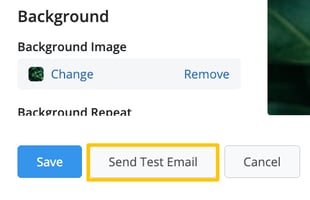
Because email rendering can vary, it is recommended to review your test email and make adjustments if needed.
Advanced Mode provides full control over your Email Style using HTML and CSS.
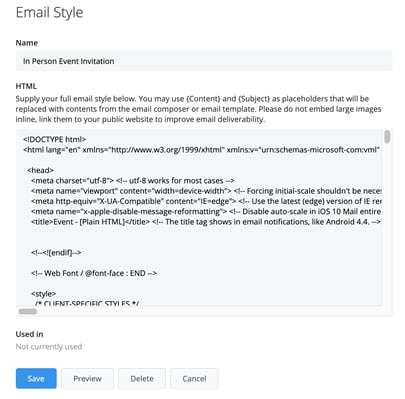
This approach is useful if you are working with a marketing team, using externally created templates, or need more detailed customization than the visual editor provides.
You can preview your Email Style before saving to confirm that it appears as expected.
Once your Email Style is created, you can apply it to Email Templates to enhance your outgoing communication.
In the Email Template editor, select your desired Email Style from the available options. This allows you to combine reusable messaging with consistent visual branding.
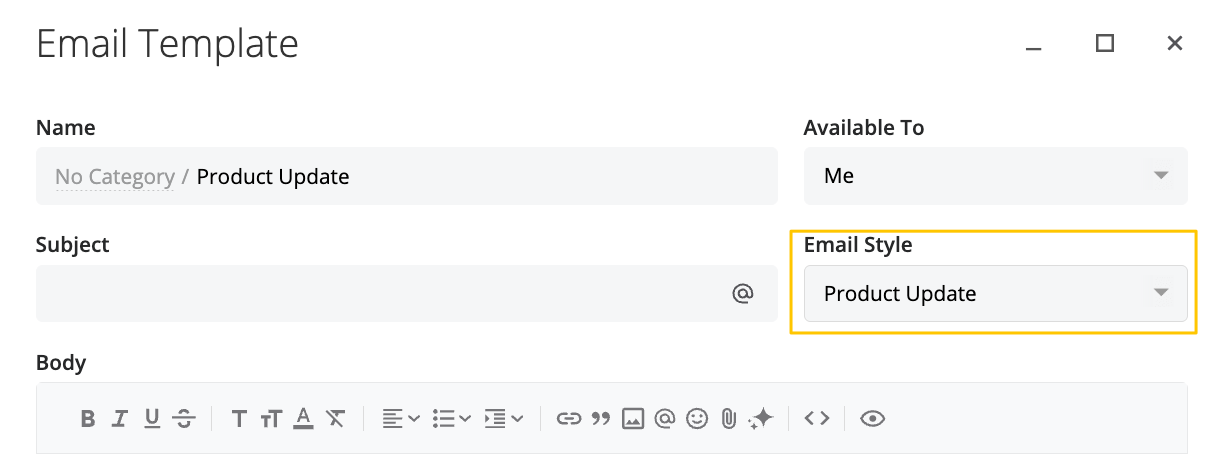
Using styles alongside templates is especially helpful when you want to standardize communication across different types of emails, such as outreach, follow-ups, or proposals.
By using Email Styles effectively, you can ensure that every email sent from Membrain reflects your brand and maintains a consistent, professional look. Whether you prefer a visual approach or full control through HTML, Email Styles help streamline how your team communicates while keeping design standards aligned across all customer interactions.




