Popular Content
Membrain for:
The Insight Engine provides a consolidated intelligence view for a single Project.
It combines system-generated signals with AI-powered capabilities to help you understand project health, identify risks, and decide what to do next.
To open the Insight Engine, click the insight engine shown in the Project toolbar.

Once that's done you'll see what you're able to do with the insight engine from the project. To access the insights, click on the number of insights.

The Insight Engine reflects what is relevant to the specific Project you are viewing. The content shown will change based on activity levels, stakeholder engagement, process adherence, and historical performance. All information that's displayed updates automatically as the Project evolves.

Many insights are automatically generated from the structured data in your Project, such as activities, stakeholders, and process steps.
These may highlight:
Missing next activities
Incomplete steps
Missing or unengaged stakeholders
Missing contact information
Project age or stage duration signals
Historical win-rate comparisons
These signals help identify risks, gaps, or patterns that may affect deal progress.
Where applicable, you can take action directly from the Insight Engine, such as opening a step, reviewing engagement, or enriching contact data.

The right side of the Insight Engine provides AI-generated information about the Project, organized into three tabs: Summary, Guidance, and Research. Each tab offers a different perspective, allowing you to move between an overview of the Project, recommendations for moving forward, and additional research without having to configure AI Prompts yourself.
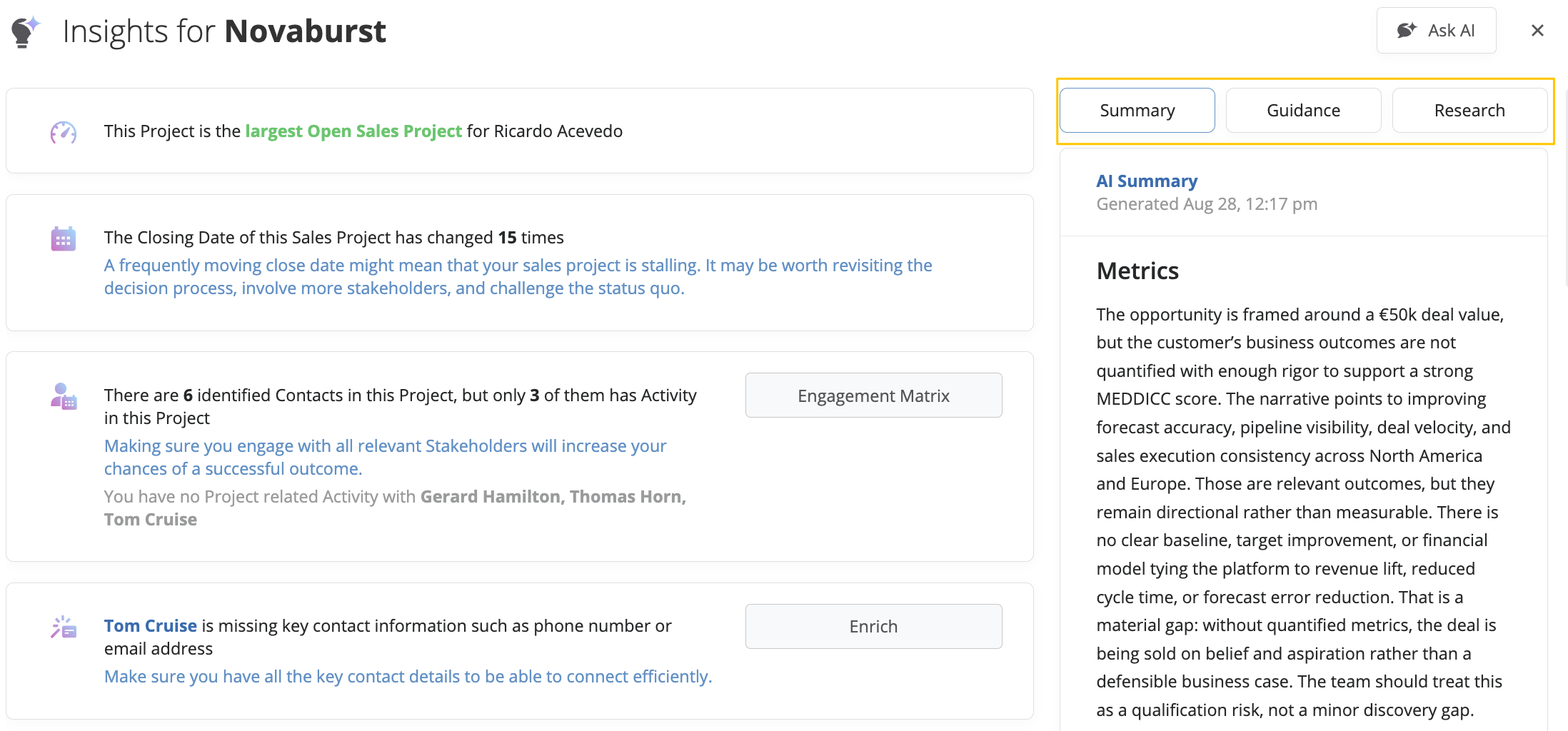
The Summary tab provides an AI-generated overview of the Project based on its data and activity history. It uses the default AI Summary Prompt configured in Insight Engine Settings to bring together relevant information about the Project. This is what is shown in the image above.
You can refresh the summary if you want to generate another version, copy it to your clipboard, save it to the Activity Stream or a text custom field, or delete it.
The Guidance tab provides AI-generated recommendations to help you evaluate the Project and decide what to focus on next.
Guidance is organized into several categories, including Competitive Positioning, Discovery Questions, Next Steps, Objection Handling, Qualification, Stakeholder Engagement, and Value Communication.
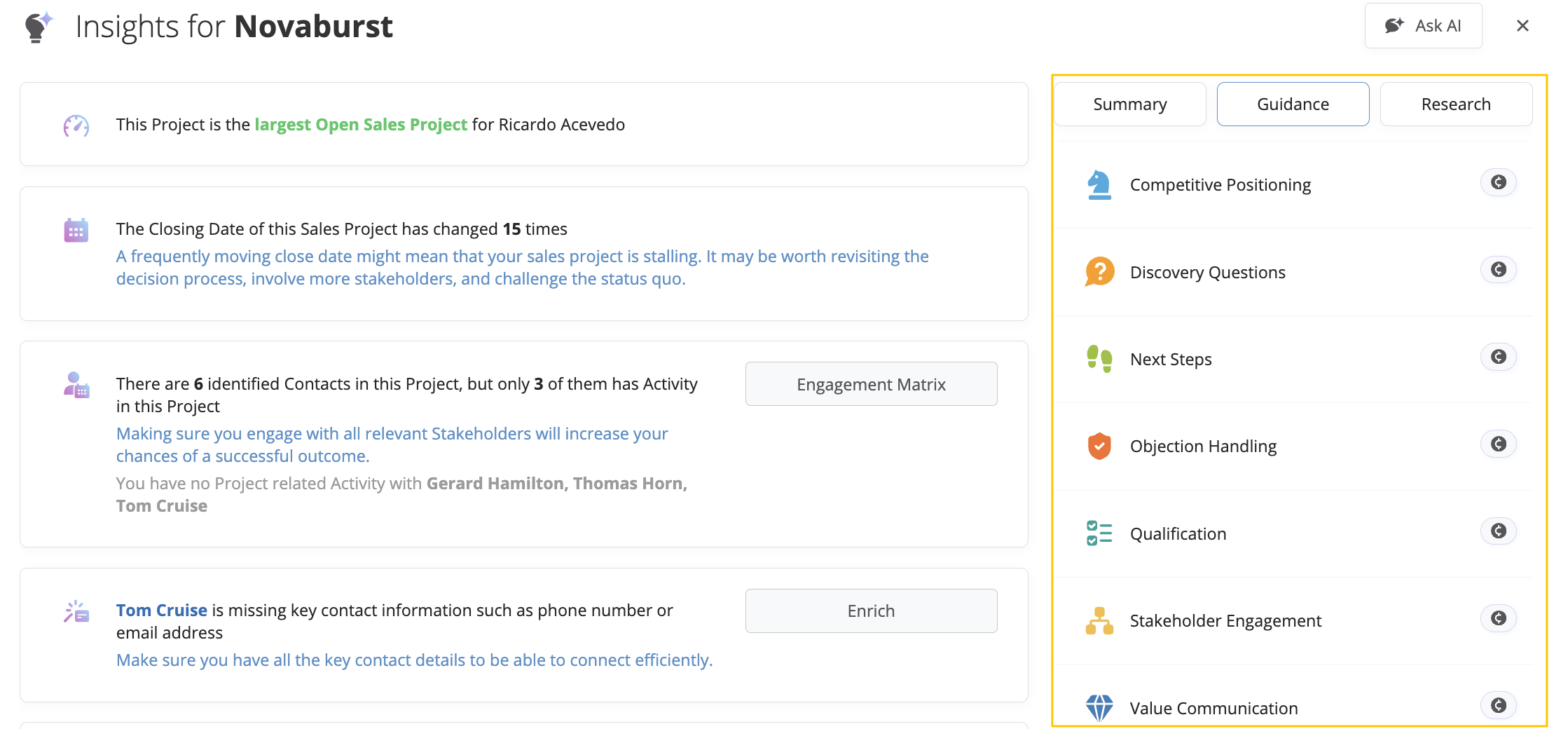
Select a category to view its generated guidance, or use the generate option next to it to request guidance for that particular area. This allows you to focus on specific parts of your sales approach rather than reviewing one general summary.
For example, you might use Discovery Questions to identify important topics to explore in your next meeting, or Stakeholder Engagement to better understand where additional relationship-building may be needed.
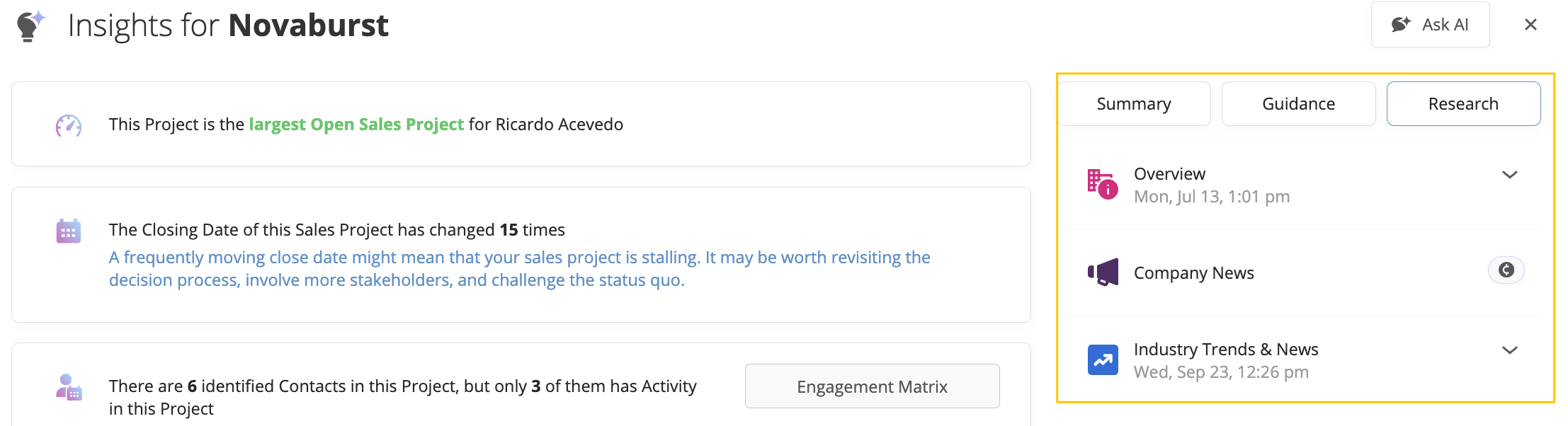
The Research tab provides AI-powered research related to the Project and its associated Company, helping you understand the broader business environment alongside the information already available in Membrain.
Research is organized into categories such as Overview, Company News, and Industry Trends & News.
You can select a category to review available research or generate information for that area. This makes it easier to explore relevant company information, recent developments, and industry trends without having to conduct the research separately.
The Insight Engine automatically evaluates Project data and surfaces relevant signals to help you focus on what matters most. By combining structured CRM data with AI-generated analysis, it turns information into actionable insight inside each Project.