Popular Content
Membrain for:
The Membrain Meet tab in My Settings allow you to control your individual availability and booking preferences for your Membrain Meet link.
If you need shared booking pages for teams, see Meet Pages.
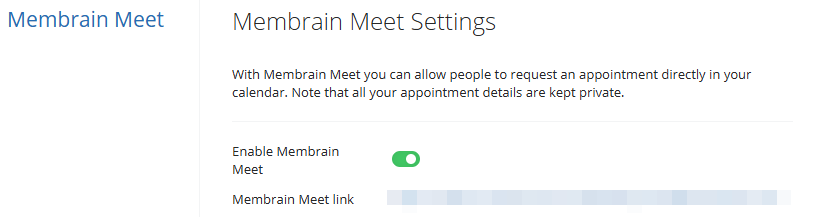
Once enabled, your personal Membrain Meet link becomes active. You can share this link with customers or prospects to allow them to book time with you based on your availability and selected settings.
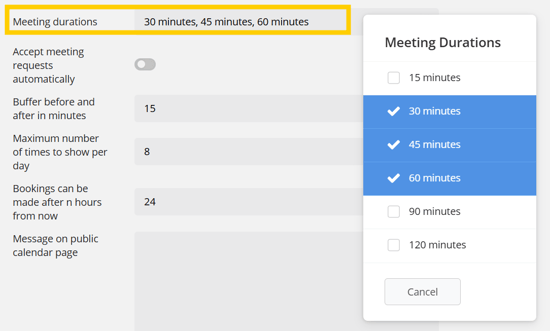
Here you can select which meeting durations you wish to have available.
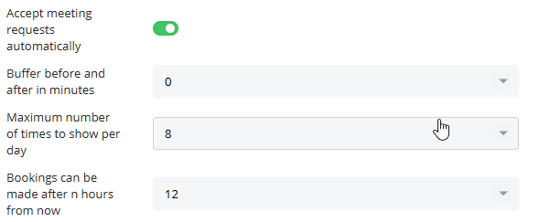
You can choose to automatically confirm meetings or review requests before they are scheduled. The additional options influence which time slots appear to people booking through your Membrain Meet link.
Add buffer time between meetings
Limit how many time slots appear per day
Control how far in advance a meeting can be booked
You can customize what appears on your personal Membrain Meet page when visitors access your booking link.
The Message on Public Calendar Page allows you to add a short introduction or context for your visitors. This message appears at the top of your booking page and can help set expectations for the meeting.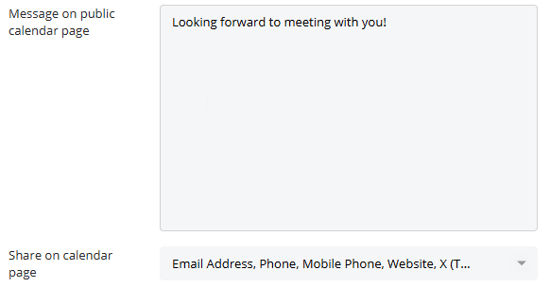
Under Share on Calendar Page, you can choose which contact details are displayed. Available options include your email address, phone number, mobile number, website, and social profiles such as LinkedIn, X, Facebook, and Instagram. Any selected information will be visible to visitors when they access your Meet page.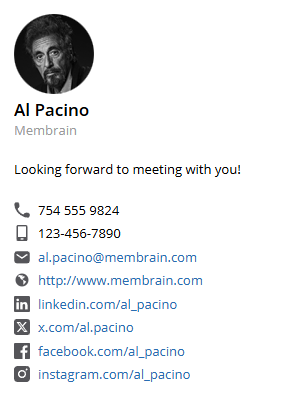
Your availability grid determines when meetings can be scheduled. The grid uses 30-minute blocks:
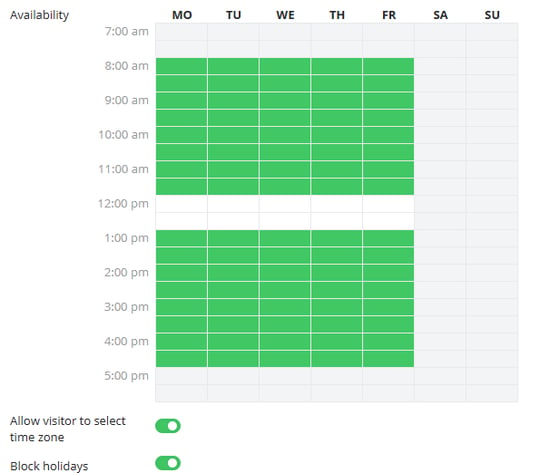
Only time slots that are both marked as available in your grid and free in your connected calendar will appear to visitors.
You can also allow visitors to select their own time zone when booking. When enabled, available times automatically adjust to the visitor’s selected time zone for clarity.
The Block Holidays setting prevents meetings from being scheduled on designated holidays, even if your availability grid shows open time.
Choose how meetings can take place, such as Zoom, Microsoft Teams, or custom options like in-person meetings.
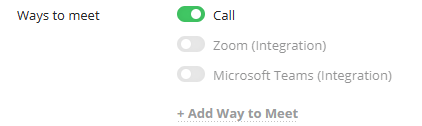
If Zoom or Microsoft Teams are enabled, Membrain Meet will automatically create the meeting in your connected account when a booking is confirmed. These integrations must be configured before they can be selected as available options.
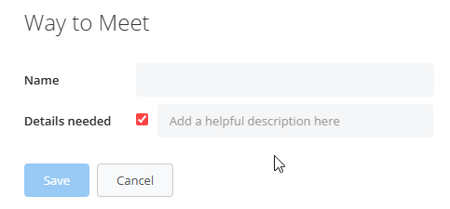
You can also create custom ways to meet, allowing you to define alternative formats and optionally request additional details from the visitor during booking.
After saving your changes, your Membrain Meet page updates immediately to reflect your preferences. By keeping your availability and booking rules up to date, you ensure that customers can schedule time with you accurately and efficiently.




